The English Braille alphabet uses 26 distinctive six-dot patterns for the letters A through Z. This chart shows each uncontracted letter, its Unicode Braille character, and the exact positions of the raised dots. You can read it on the page or use the accompanying two-page printable chart for study away from the screen.
Complete Braille alphabet: A to Z
| Braille | Raised dots | Braille | Raised dots | ||
|---|---|---|---|---|---|
| A | ⠁ | 1 | N | ⠝ | 1-3-4-5 |
| B | ⠃ | 1-2 | O | ⠕ | 1-3-5 |
| C | ⠉ | 1-4 | P | ⠏ | 1-2-3-4 |
| D | ⠙ | 1-4-5 | Q | ⠟ | 1-2-3-4-5 |
| E | ⠑ | 1-5 | R | ⠗ | 1-2-3-5 |
| F | ⠋ | 1-2-4 | S | ⠎ | 2-3-4 |
| G | ⠛ | 1-2-4-5 | T | ⠞ | 2-3-4-5 |
| H | ⠓ | 1-2-5 | U | ⠥ | 1-3-6 |
| I | ⠊ | 2-4 | V | ⠧ | 1-2-3-6 |
| J | ⠚ | 2-4-5 | W | ⠺ | 2-4-5-6 |
| K | ⠅ | 1-3 | X | ⠭ | 1-3-4-6 |
| L | ⠇ | 1-2-3 | Y | ⠽ | 1-3-4-5-6 |
| M | ⠍ | 1-3-4 | Z | ⠵ | 1-3-5-6 |
These are the letters as they appear in uncontracted UEB, without capitalization, numbers or other indicators. The same visible patterns can perform different jobs elsewhere in Braille. For example, a numeric indicator can make the cell for a represent the digit 1. The chart is therefore an accurate alphabet reference, not a universal list of everything each Braille cell can mean.
Read the dot numbers correctly
The dot positions are numbered down the left column first, then down the right:
| Left | Right |
|---|---|
| 1 | 4 |
| 2 | 5 |
| 3 | 6 |
A list such as 1-4-5 is not the number one hundred forty-five. It means: raise the upper-left dot, upper-right dot, and middle-right dot. That gives ⠙, the letter D.
One useful habit is to read a chart entry in both directions:
- D → dots 1-4-5 → ⠙.
- ⠙ → dots 1-4-5 → D.
Knowing one direction does not guarantee the other. A reader may recognize a letter on sight but hesitate when asked to make it from dot numbers. Both tasks matter.
For a fuller explanation of cell orientation, including deliberate dot-pattern comparisons, see How to Read Braille Dots. This page stays focused on the alphabet and an easy-to-use reference.
Why the alphabet has a pattern, and why W is different
Memorizing 26 unrelated pictures is harder than learning how the alphabet is organized.
A–J form the foundation. The first ten letters use the upper four dot positions. Examples include a ⠁ (dot 1), c ⠉ (dots 1-4), and j ⠚ (dots 2-4-5).
K–T repeat those ten patterns with dot 3 added. So:
| Earlier letter | Add dot 3 | Later letter |
|---|---|---|
| A — ⠁ (1) | +3 | K — ⠅ (1-3) |
| B — ⠃ (1-2) | +3 | L — ⠇ (1-2-3) |
| C — ⠉ (1-4) | +3 | M — ⠍ (1-3-4) |
| J — ⠚ (2-4-5) | +3 | T — ⠞ (2-3-4-5) |
Most of the final letters build on earlier patterns by adding dot 6. But W ⠺, dots 2-4-5-6, does not fit the simple A–J-to-K–T progression. Treat it as its own letter to learn and test separately. That exception is more useful to remember than a claim that all letters follow one perfect formula.
Download the original two-page printable chart
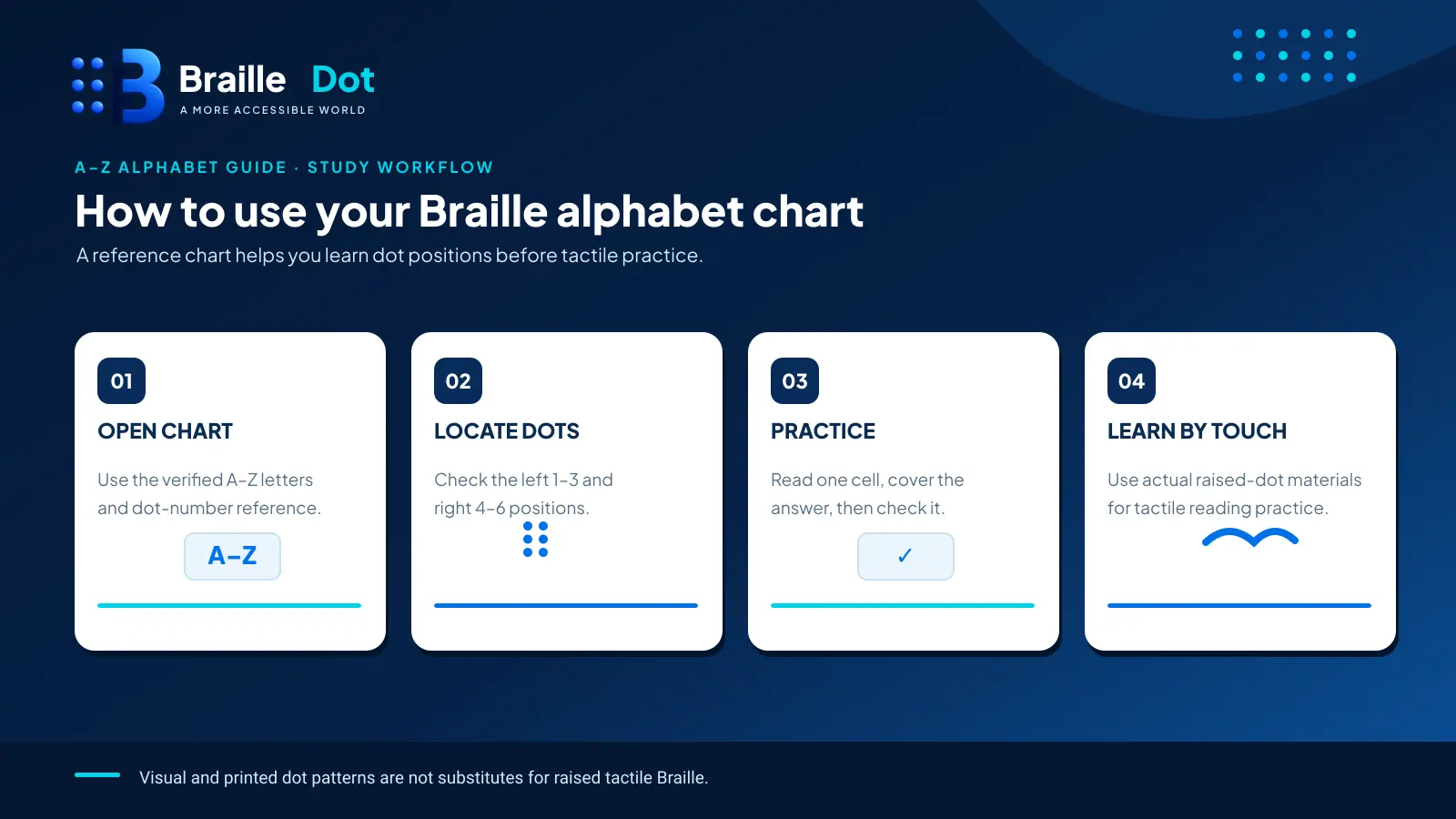
The Braille Alphabet A–Z Printable Chart (PDF) accompanying this article contains:
- A clean, high-contrast visual reference showing all 26 letters with vector-drawn dot cells and exact raised-dot labels.
- A practice page with independent recognition questions, blank dot grids, and a separate answer key.
This is a paper visual teaching aid, not embossed or tactile Braille. A regular office printer cannot create reliably readable raised Braille dots merely by printing dark circles. Use appropriate embossing or a refreshable display for tactile practice.
For accessible screen reading, use the HTML table above as a textual alternative to the printed dot diagrams. If a teacher distributes the PDF, pair it with accessible text or the page itself for learners who cannot use a visual chart.
Accessible text version of the printable practice sheet
The following exercises reproduce every question and answer from the PDF’s second page in text. Each displayed Braille cell also has a dot-number description. You can complete the questions with speech, a screen reader or a refreshable Braille display without having to interpret a drawing. The answers stay under the reveal control until you choose to open them.
Section A — Identify each unfamiliar letter
Write the print letter represented by each cell. The dot numbers provide the same information as its vector-drawn counterpart on the printable page.
| Question | Braille cell | Raised dots | Your answer |
|---|---|---|---|
| 1 | ⠇ | 1-2-3 | _____ |
| 2 | ⠛ | 1-2-4-5 | _____ |
| 3 | ⠧ | 1-2-3-6 | _____ |
| 4 | ⠟ | 1-2-3-4-5 | _____ |
| 5 | ⠑ | 1-5 | _____ |
| 6 | ⠺ | 2-4-5-6 | _____ |
Section B — Build a cell from its dot positions
For each dot list, name the corresponding letter or construct the indicated cell using six numbered positions. No particular pen or device is required for this exercise.
- Dots 1-3-6: _____
- Dots 1-2-4: _____
- Dots 2-4-5: _____
- Dots 1-3-4-6: _____
Section C — Decode three uncontracted words
Read each three-cell word without adding letter-spaces. Dot descriptions are provided in sequence, separated by semicolons.
- ⠏⠑⠝ — dots 1-2-3-4; 1-5; 1-3-4-5. Print word: _____
- ⠎⠥⠝ — dots 2-3-4; 1-3-6; 1-3-4-5. Print word: _____
- ⠍⠁⠏ — dots 1-3-4; 1; 1-2-3-4. Print word: _____
Reveal the printable practice-sheet answer key
- A: 1 L, 2 G, 3 V, 4 Q, 5 E, 6 W.
- B: 1 U ⠥, 2 F ⠋, 3 J ⠚, 4 X ⠭.
- C: 1 pen, 2 sun, 3 map.
This equivalent is part of the article itself, so the exercises remain available even to readers who cannot use the visual PDF. WordPress production must verify that the reveal control and tables work with a keyboard and screen reader.
Capital letters and numbers: two common chart mistakes
A printed capital A does not have a completely separate alphabet cell. UEB normally places a capital indicator ⠠ (dot 6) before the letter. Thus A is written ⠠⠁, while lowercase a is simply ⠁.
Likewise, the basic digit shapes are shared with A–J and are introduced by the numeric indicator ⠼ (dots 3-4-5-6). For instance:
| What you intend | Braille | How to read it |
|---|---|---|
| a | ⠁ | Lowercase letter a |
| A | ⠠⠁ | Capital A |
| 1 | ⠼⠁ | Number one |
The indicators change interpretation; they are not extra dots added to the same letter cell. Our detailed Braille numbers guide explains the wider numeric rules.
If you type a full word into the BrailleDot translator, choose Grade 1 when you want an easily compared letter-by-letter spelling. Grade 2 may legitimately use contractions, so its output need not resemble the chart one letter per cell.
Test yourself without looking at the table
Try the following before reopening the A–Z chart:
- Which letter uses dots 1-2-3-5?
- Write the dot numbers for ⠭.
- What letter is ⠺, and why is it worth learning separately?
- Add dot 3 to the Braille letter C ⠉. Which letter do you get?
- Write the uncontracted Braille letters for zip.
- Which indicator do you need before ⠁ to write the number 1?
Check your answers
- R ⠗.
- 1-3-4-6; ⠭ is X.
- W, dots 2-4-5-6; it is the exception to the simplest letter-building progression.
- M ⠍ (dots 1-3-4).
- ⠵⠊⠏ — z, i, p in uncontracted reading order.
- The numeric indicator ⠼, producing ⠼⠁.
Repeat the questions with new letters after a break. The chart is most valuable when it helps you stop depending on it.
Reference standard: International Council on English Braille, Rules of Unified English Braille.
Written by Marcus Wren.