What is computer braille? The code behind every .brf file
What is computer braille? The code behind every .brf file
“Computer braille” actually refers to two different things, and mixing them up is where most explanations of it go wrong. One is a retired braille code that used to be read as literary text and stopped being official in 2016. The other is Braille ASCII, a still-current encoding standard that represents every possible six-dot braille cell as a single plain-text character, used for storing and moving braille through digital systems. This translator uses the second one. It’s the exact encoding behind every .brf file this tool exports, and understanding it explains why opening a .brf file in a normal text editor looks like nonsense.
Two different codes share the same name
The Braille Authority of North America once maintained an actual reading code called the Computer Braille Code, built specifically so computer-related material, program lines, filenames, technical strings, could be transcribed precisely with no ambiguity. It had its own rules for how capital letters and punctuation worked inside that code. When UEB became the official US standard in January 2016, BANA declared the Computer Braille Code obsolete, since UEB was built to handle computer-related text within its own rules and a separate reading code for it was no longer needed. It still exists as a historical reference, but nobody transcribes new material into it.
Braille ASCII is a different thing entirely, and it’s still very much in use. It isn’t something a braille reader chooses to read the way they’d choose grade 1 or grade 2. It’s a storage and transmission format, a way of representing six-dot braille using ordinary characters a standard keyboard can type and a plain text file can hold, so braille content can move through systems that have no idea what a Unicode braille cell is. This is also known as the North American Braille ASCII Code, and it’s what BRF files are actually built from, our own BRF export guide covers that side of it in more depth.
How braille ASCII actually works
A six-dot braille cell has exactly 64 possible combinations of raised dots, including a blank cell for space. Braille ASCII assigns each of those 64 combinations to one specific, fixed ASCII character, with no exceptions and no context-dependence. The same dot pattern always converts to the same character, every time, regardless of what that pattern means in the surrounding text. This is a deliberately different design goal from grade 2, where a single cell can mean different things depending on where it sits in a word. Braille ASCII cares about the raw dot pattern, not the meaning behind it.
I checked this tool’s own conversion table directly, since it’s the exact table used when you export to .brf, and cross-checked several entries against the independent published Braille ASCII standard to confirm they match:
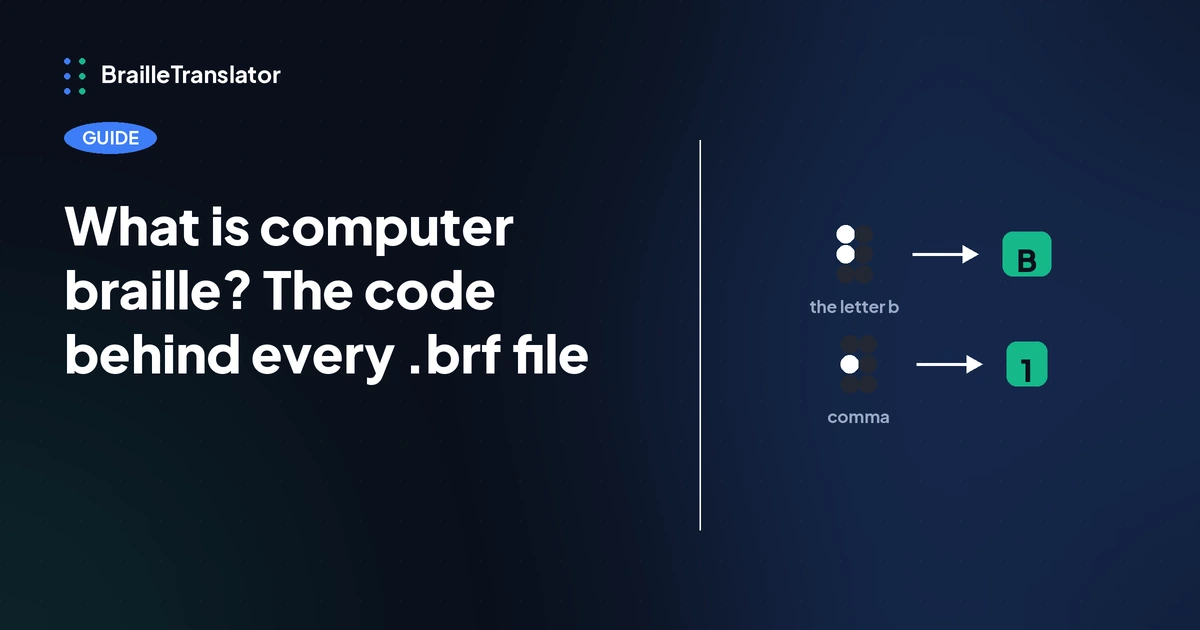
Notice the pattern. The 26 basic letters map directly and predictably, a to A, b to B, straight through the alphabet, which is why any plain word inside a .brf file is still recognizable. Everything else looks arbitrary because it is, by design. The number indicator becoming # is a memorable exception, a genuinely logical choice since # already means “number” in plain text, but the comma becoming 1 and the period becoming 4 aren’t meant to be intuitive. Braille ASCII’s character assignments were chosen for what was typable on a standard keyboard, not to visually resemble the source text.
Why a .brf file looks like scrambled text
This is the direct answer to something that confuses a lot of people the first time they open a .brf file expecting to see either English or braille dots. What they get instead is a page of capital letters, numbers, and punctuation that doesn’t read as either. Now that the mechanism is clear, that’s exactly what should happen. The letters spell correctly, since letter cells map straight across. Everything that was punctuation, a capital indicator, or a number indicator in the original braille becomes some other, unrelated-looking character, since those cells were assigned characters based on the ASCII table’s own internal logic, not on visual resemblance to what they represent.
Braille ASCII isn’t a third grade
It’s worth being precise here, since it’s an easy thing to misunderstand. Braille ASCII doesn’t decide whether a piece of text gets translated as grade 1 or grade 2. It’s an encoding layer that gets applied after that decision has already been made. This translator’s grade 1 or grade 2 engine produces the actual braille output first, contractions and all if grade 2 was selected, and only then does the .brf export step run that finished output through the ASCII conversion table. Braille ASCII can carry either grade’s output equally well, it’s simply the format the content travels in, not a separate translation choice sitting alongside grade 1 and grade 2 the way our grade 1 vs grade 2 guide covers.
What this means in practice
If you’re producing a file for a braille embosser or a device that expects BRF specifically, this is the encoding doing the work behind the scenes, and you don’t need to think about the individual character mappings to use it correctly, the export handles that conversion automatically. Where it does matter is if you ever open a .brf file directly out of curiosity or to troubleshoot something, since knowing that the strange characters are a deliberate, standardized encoding rather than a corrupted file changes how you’d approach it.
See the difference yourself
Translate a short line of text with our braille translator, then export it both as a plain .txt file and as a .brf file. Opening both side by side shows the exact transformation described here, the same underlying braille content represented two completely different ways.
Open the translatorFrequently asked questions
No. Computer braille, more precisely Braille ASCII in its current form, isn’t a literary grade at all. It’s an encoding format for storing and transmitting six-dot braille as plain text characters, separate from the grade 1 versus grade 2 decision about contractions.
Because Braille ASCII assigns each of the 64 possible braille cells to a fixed ASCII character chosen for keyboard typability, not visual resemblance to the original text. Letters map directly and stay recognizable, while punctuation and indicator cells convert to characters that look unrelated to what they represent.
No. BANA declared it obsolete when UEB became the official US standard in January 2016. It still exists as a historical reference but isn’t used for new material.
Not as a separate grade. Braille ASCII is applied automatically as part of the .brf export, after the grade 1 or grade 2 translation is already complete, rather than being a third grade you select alongside the other two.