
Why some words never contract: emails and other forced exceptions
Most words in grade 2 braille follow the rules already covered elsewhere on this site, whether a word stands alone, which contraction category takes priority, and where a part-word contraction is allowed to sit inside it. 2 completely different mechanisms override all of that entirely. One detects technical strings like email addresses and forces the whole thing into plain, uncontracted grade 1, regardless of what grade the surrounding text uses. The other is a short, hand-picked list of specific words where a particular contraction is blocked because applying it would misrepresent how the word is actually built. Both are traced directly from the source code, including a correction to a claim made elsewhere on this site that turned out to be broader than what’s actually implemented.
Email addresses are forced entirely into grade 1
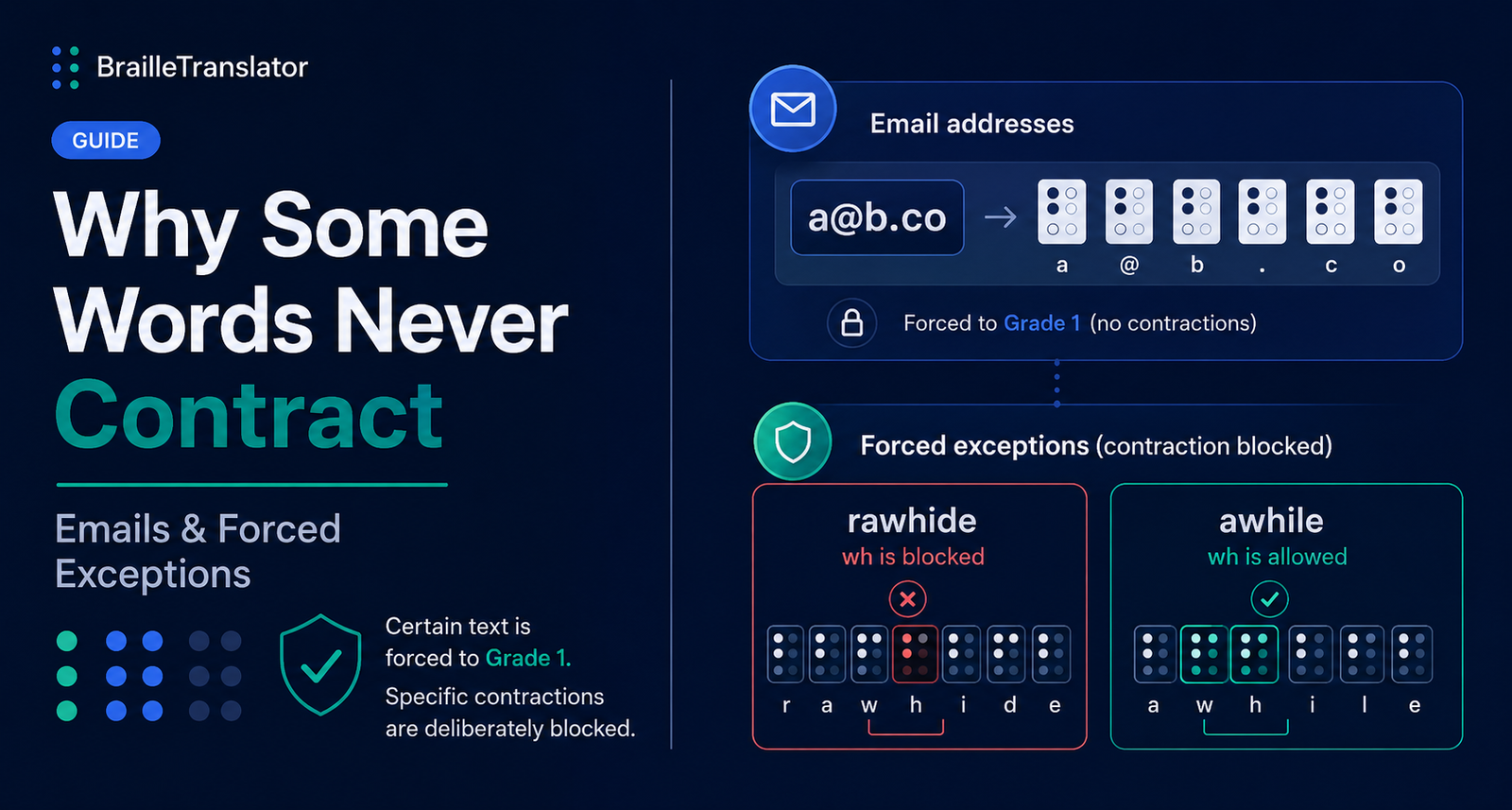
Before word-by-word translation even begins, the engine scans the full text for anything matching the shape of an email address, characters and symbols before an @ sign, followed by a domain-looking string with a dot and a short suffix. Any text falling inside a detected span like that gets forced into grade 1, uncontracted, letter-by-letter treatment, even if the rest of the document is being translated in grade 2. This is confirmed directly in a named test case, “a@b.co” translated in grade 2 mode still produces the letter a, the at sign, the letter b, a period, then c and o, each rendered individually rather than picking up any contraction that grade 2 would otherwise apply to those letters.
An important correction: URLs aren’t actually covered by this rule
This needs to be said plainly rather than quietly fixed without comment. Both the homepage and an earlier post on this site described this protection as covering “emails and URLs” together. Having gone back to the actual detection logic, that’s not accurate. The only pattern implemented is the email one, text containing an @ symbol followed by something shaped like a domain. There is no separate check for a bare web address or a link starting with something like https://. A URL with no @ symbol in it isn’t detected by this rule at all, and would be exposed to normal grade 2 contraction the same as any other text, which could genuinely corrupt it the same way the original claim warned against, just without the protection that claim implied existed. The accurate statement is that email addresses specifically are protected. URLs, at least for now, are not.
A hand-picked list blocks specific contractions where they’d misrepresent a word
Separately from the email mechanism, this translator maintains a fixed list of exactly 7 words, each paired with 1 specific groupsign contraction that gets blocked whenever that word appears. This ties directly into the part-word parsing loop covered in our contraction position rules guide, the blocked signal is passed into that same matching process and simply removed from the list of candidates the engine is allowed to choose from for that particular word.
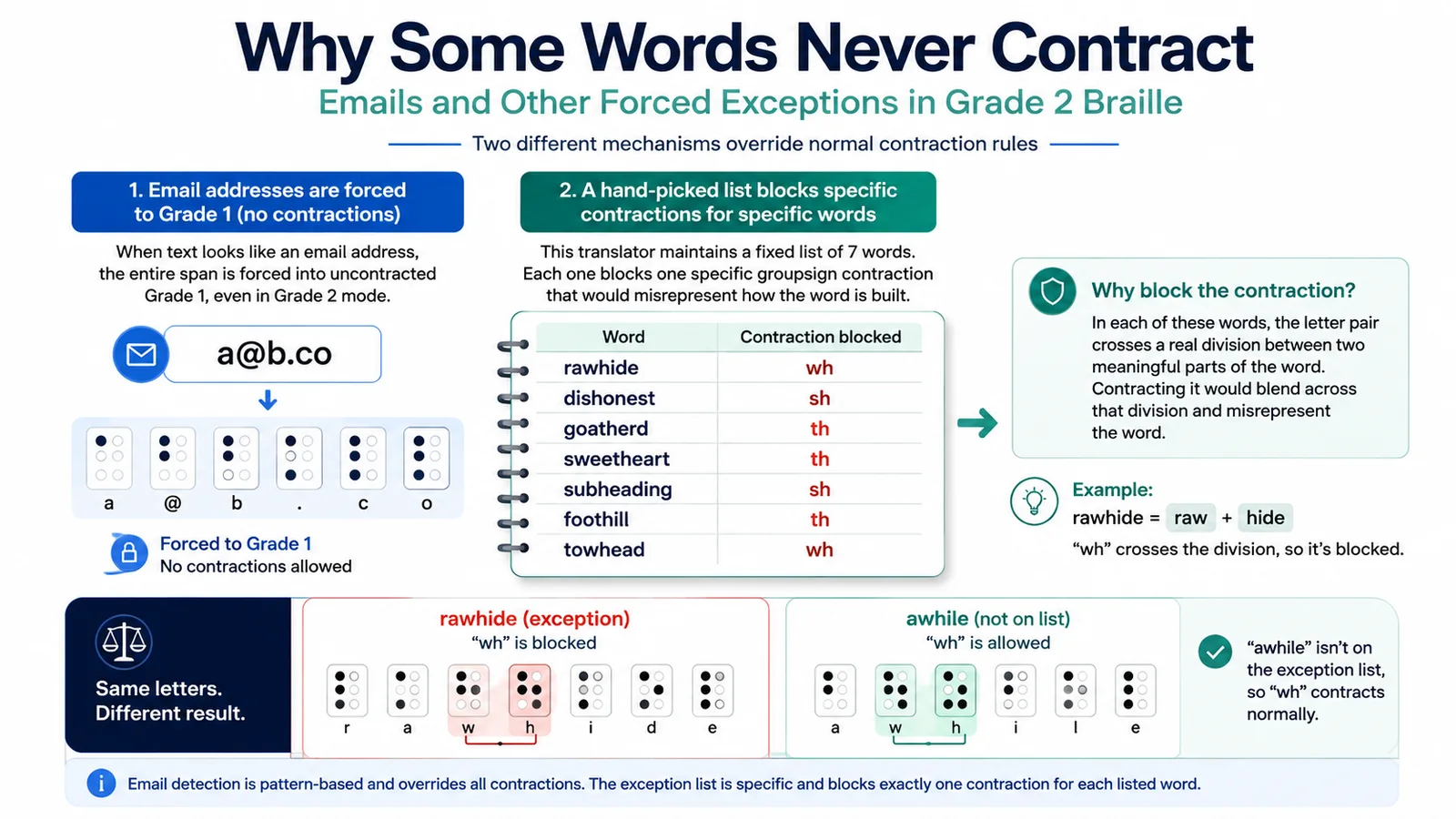
Here’s the complete list, published in full for the first time:
| Word | Contraction blocked |
|---|---|
| rawhide | wh |
| dishonest | sh |
| goatherd | th |
| sweetheart | th |
| subheading | sh |
| foothill | th |
| towhead | wh |
Every one of these words contains a letter pair that would normally trigger a strong groupsign contraction, but the pair in question crosses a real division between 2 meaningful parts of the word rather than being a single unit. Rawhide is raw plus hide, dishonest is dis plus honest, goatherd is goat plus herd, sweetheart is sweet plus heart, subheading is sub plus heading, foothill is foot plus hill, and towhead is tow plus head. Contracting the letter pair in any of these would blend across that division and misrepresent the word.
Only 1 entry on this list, rawhide, has a dedicated named test confirming the exact output, contrasted directly against “awhile,” which contains the identical letters w-h but isn’t on the exceptions list and correctly does get the wh contraction. That contrast is a clean, verified illustration of the mechanism working exactly as intended, the same 2 letters, contracted in 1 word and blocked in another, purely because 1 of them is on the list and the other isn’t. The remaining 6 words use the identical blocking mechanism, confirmed by direct reading of the matching logic rather than a dedicated test for each individual word, worth being precise about rather than implying every entry has been independently tested.
It’s also worth knowing exactly how a word gets matched against this list. The check looks for whether the current word contains the listed exception word as a substring, not whether it matches it exactly. In practice, since every entry on the list happens to be the exact word itself, this distinction rarely changes anything, but it’s a more flexible check than a strict equality comparison would be.
Why these 2 mechanisms are fundamentally different
Understanding the difference between these 2 systems matters more than it might first appear. The email detector works by pattern, it doesn’t care what specific text appears, only whether it’s shaped like an email address, and once triggered, it overrides every contraction category at once for that entire span. The exceptions list works the opposite way, it’s a fixed, specific set of exact words, and each entry blocks exactly 1 named contraction for that 1 word, leaving every other rule about that word completely untouched. One is broad protection against an unpredictable category of technical text. The other is a narrow, targeted patch for a small number of known words that would otherwise be misread by the general rules covered elsewhere on this site.
Try it yourself
Type “rawhide” and “awhile” into our braille translator in grade 2 mode and compare the output directly, then try a plain web address without an @ symbol to see the current, unprotected behavior firsthand.
Test the exceptions directly
Compare “rawhide” and “awhile” in our braille translator in grade 2 mode and see how the same letter pair can produce different results depending on the word-specific exception rules.
Open the translatorFrequently asked questions
No. This translator detects text shaped like an email address and forces it into plain, uncontracted grade 1 output, even when the surrounding text is set to grade 2.
No. Only email addresses, text containing an @ symbol and a domain-like pattern, are detected and forced to grade 1. There’s no separate detection for plain web addresses or links without an @ symbol.
“Rawhide” is on a specific list of 7 words where a particular contraction is blocked because it would blend across a real division between 2 parts of the word, raw and hide in this case. “Awhile” isn’t on that list, so its wh contracts normally.
7: rawhide, dishonest, goatherd, sweetheart, subheading, foothill, and towhead, each blocking 1 specific contraction.
No. The email rule is pattern-based and overrides every contraction category at once for the matched text. The exceptions list is a fixed set of specific words, and each one only blocks 1 named contraction, leaving everything else about that word unaffected.


One Comment