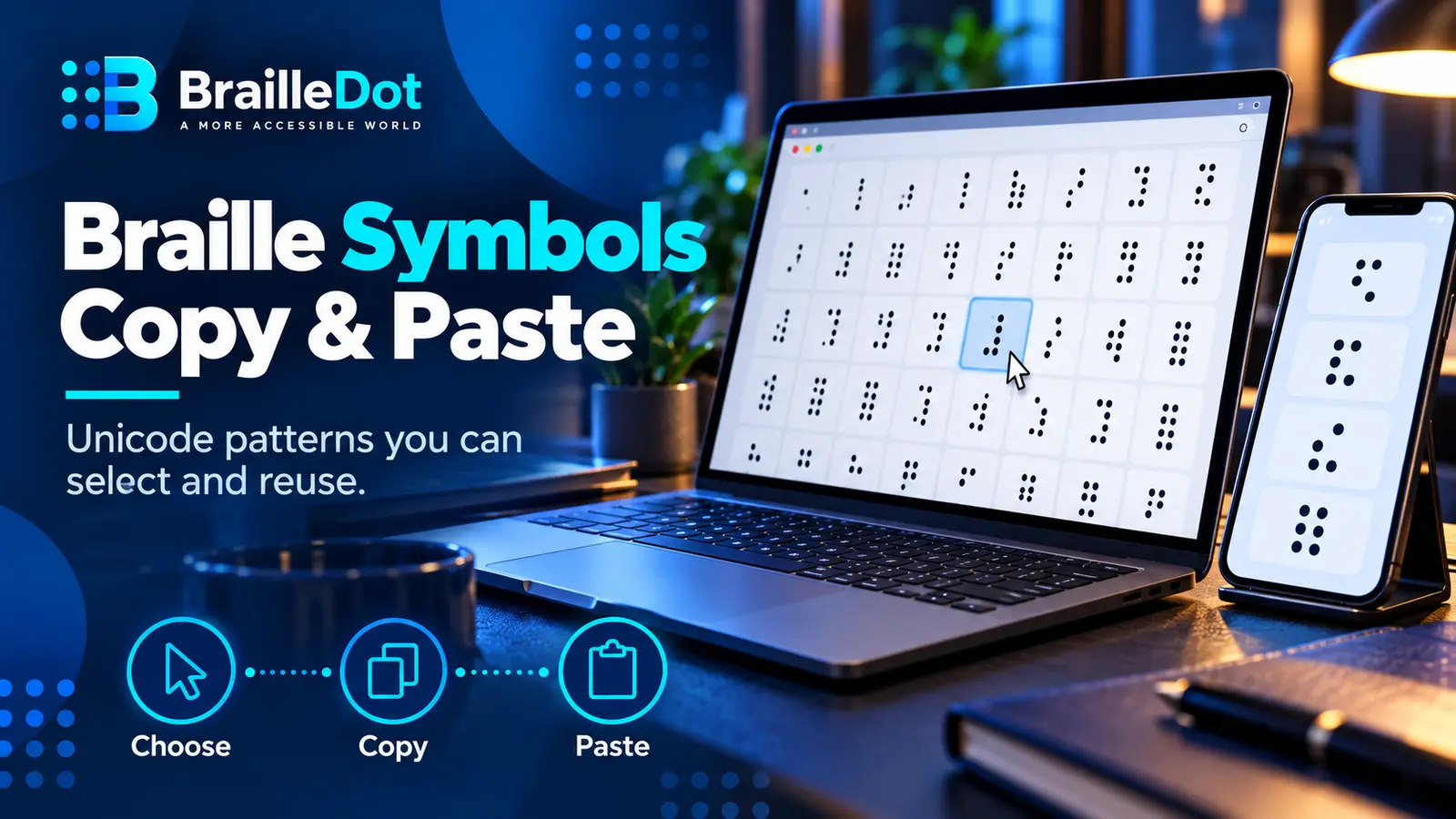
Need a Braille character for a message, document, lesson plan or design mockup? The patterns below are real Unicode Braille characters, not a picture of dots. You can select one and copy it, or copy a whole sequence. What you should not assume is that every copied pattern has a single, permanent English meaning.
Unicode encodes the shape of a Braille dot pattern. English Braille rules supply the interpretation of that pattern in context. Those are two different jobs.
Copy English Braille letters A–Z
The following row gives the 26 uncontracted English letters, in alphabetic order. Use it when you already know the text you want and need the Unicode cells.
A–M
⠁ ⠃ ⠉ ⠙ ⠑ ⠋ ⠛ ⠓ ⠊ ⠚ ⠅ ⠇ ⠍N–Z
⠝ ⠕ ⠏ ⠟ ⠗ ⠎ ⠞ ⠥ ⠧ ⠺ ⠭ ⠽ ⠵The spaces between characters in those two display rows are there only to make copying and selection easier. If you are composing a Braille word, remove the separators between its letter cells; preserve a space between words.
For instance, the uncontracted word sun is ⠎⠥⠝; the two-word phrase sun rise is ⠎⠥⠝ ⠗⠊⠎⠑. The latter contains a normal word space. The A–Z Braille chart provides every letter’s dot numbers for readers who want to verify a cell rather than copy it blindly.
Copy the 64 six-dot Unicode patterns
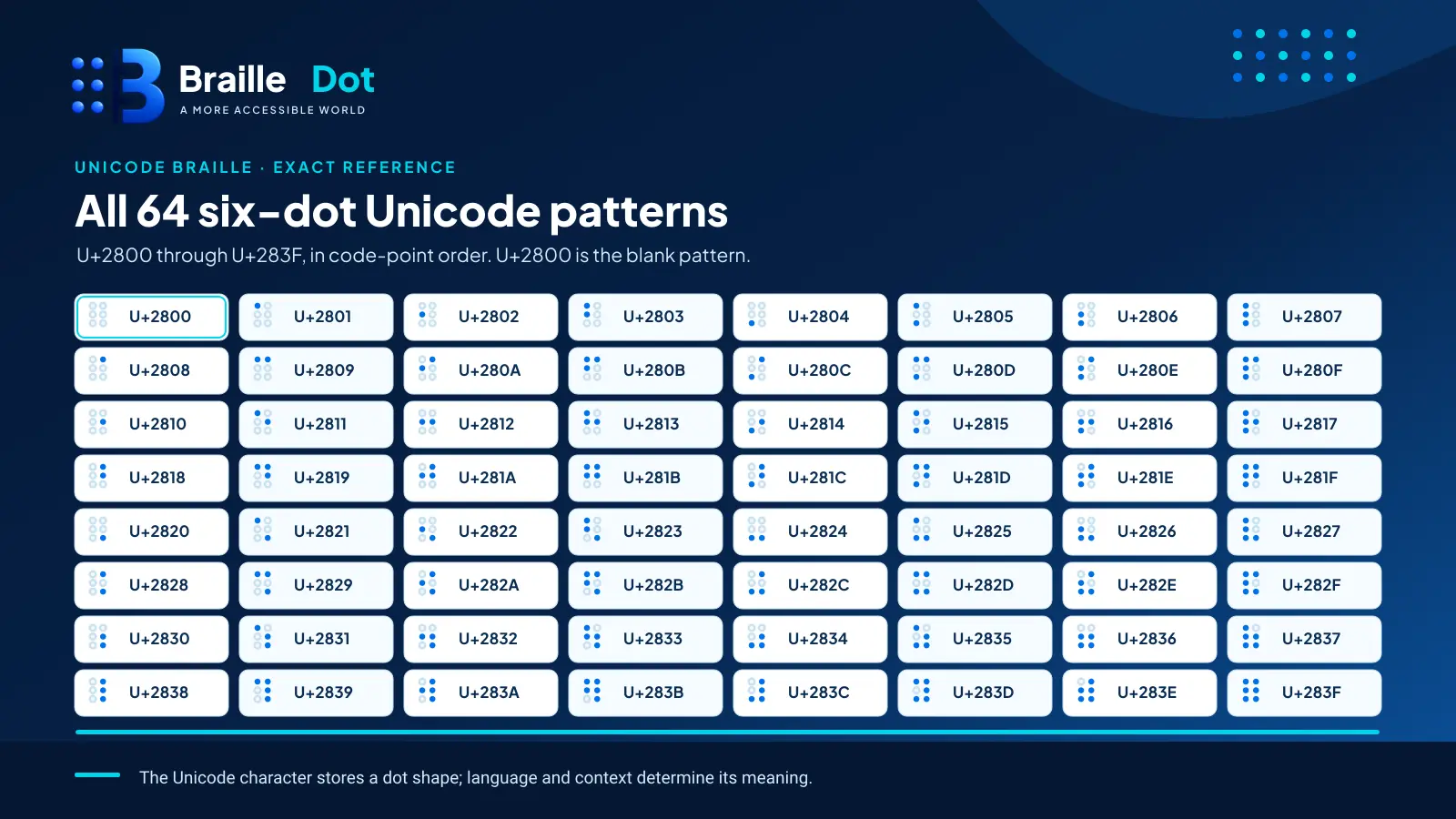
A six-dot Braille cell has 64 possible combinations, including no raised dots. Unicode assigns these shapes the consecutive characters U+2800 through U+283F. The rows below are grouped by Unicode order, not alphabetical order.
| Range | Copyable characters |
|---|---|
| U+2800–U+280F | ⠀ ⠁ ⠂ ⠃ ⠄ ⠅ ⠆ ⠇ ⠈ ⠉ ⠊ ⠋ ⠌ ⠍ ⠎ ⠏ |
| U+2810–U+281F | ⠐ ⠑ ⠒ ⠓ ⠔ ⠕ ⠖ ⠗ ⠘ ⠙ ⠚ ⠛ ⠜ ⠝ ⠞ ⠟ |
| U+2820–U+282F | ⠠ ⠡ ⠢ ⠣ ⠤ ⠥ ⠦ ⠧ ⠨ ⠩ ⠪ ⠫ ⠬ ⠭ ⠮ ⠯ |
| U+2830–U+283F | ⠰ ⠱ ⠲ ⠳ ⠴ ⠵ ⠶ ⠷ ⠸ ⠹ ⠺ ⠻ ⠼ ⠽ ⠾ ⠿ |
Important: The first character in the first row, U+2800, is the blank Braille pattern [⠀]. It can look like empty space. It is nevertheless a distinct Unicode character from an ordinary word space U+0020. Do not substitute one for the other when testing text boundaries or copying exact data.
Each separated cell in the table is copyable. The separator between cells is an ordinary space; selecting an entire row copies those separators too. Copy a single glyph for a single-cell test, or remove row separators before treating several cells as a Braille word.
How the Unicode dot pattern is determined
The six positions are numbered left-to-right by column, not by reading order across each row:
| Left column | Right column |
|---|---|
| 1 | 4 |
| 2 | 5 |
| 3 | 6 |
Unicode encodes these raised positions as bits. Start at U+2800 for an empty pattern. Add the appropriate dot values:
| Raised dot | Add to the Unicode base |
|---|---|
| 1 | 0x01 |
| 2 | 0x02 |
| 3 | 0x04 |
| 4 | 0x08 |
| 5 | 0x10 |
| 6 | 0x20 |
For example, dots 1-4-5 add 0x01 + 0x08 + 0x10 = 0x19. The resulting character is U+2819 ⠙. In uncontracted English Braille, that pattern means the letter d. The computer stores the pattern; English Braille convention supplies the letter meaning.
Frequently copied indicators and punctuation
These examples belong to UEB, not to an abstract language-independent Unicode alphabet:
| What you want in UEB | Copyable Braille | Raised dots | Note |
|---|---|---|---|
| Capital indicator | ⠠ | 6 | Appears before a capitalized letter or another applicable capital sequence |
| Numeric indicator | ⠼ | 3-4-5-6 | Changes subsequent A–J shapes into digits in numeric context |
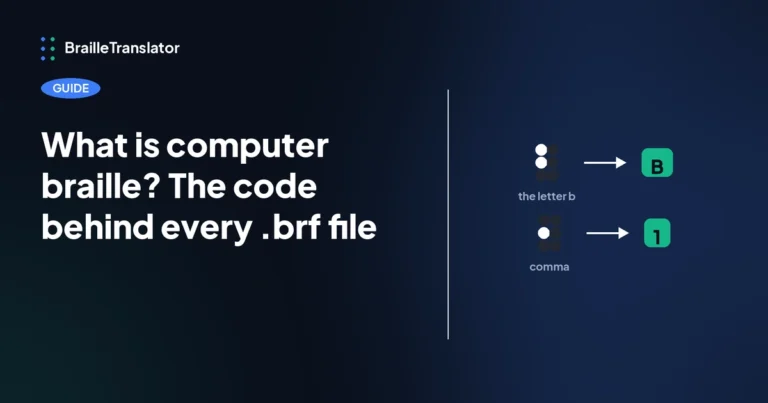
| Comma | ⠂ | 2 | One cell |
| Period / full stop | ⠲ | 2-5-6 | One cell |
| Question mark | ⠦ | 2-3-6 | One cell in the basic punctuation context |
| Apostrophe | ⠄ | 3 | Context and exact text matter |
| Hyphen | ⠤ | 3-6 | Not interchangeable with every dash or minus sign |
For a number, copying ⠁ by itself gives the dot shape also used for the letter a. To represent 1 in a simple UEB number, write ⠼⠁. For an uppercase A, write ⠠⠁. The indicator is a separate cell; it is not a modification of Unicode’s letter pattern.
The detailed Braille punctuation reference covers additional marks and placements. This page remains a copy-and-paste utility with just the most requested signs.
Copying a pattern is not the same as translating text
Consider ⠮. It is one perfectly valid Unicode Braille character. In contracted UEB, it can stand for the entire word the; a different character ⠹ can represent the letter group th within words. In other languages or other code contexts, interpreting a pattern requires the appropriate rules.
For that reason, copying a row of Unicode characters is useful for selecting glyphs, but it does not establish that the resulting sequence is a valid transcription of your intended sentence. If the goal is to translate English text, use the BrailleDot translator and select the Grade 1 or Grade 2 mode appropriate to your task. That tool composes sequences and indicators instead of asking you to assemble every sign manually.
What about eight-dot Braille?
The complete Unicode Braille Patterns block runs from U+2800 to U+28FF and contains 256 patterns. The 64 characters listed above cover the six-dot combinations. The remaining characters incorporate dot 7, dot 8, or both, and are used in various eight-dot contexts.
Eight-dot cells are common in computer-related Braille settings, but an extra pair of positions does not automatically supply a universal eight-dot alphabet. The table or translation mode used by a device determines how its patterns are read.
If you need a particular eight-dot character, identify it by the dot numbers or Unicode code point first. Then verify which Braille table your display, software, or file expects.
Troubleshoot copying and displaying Braille
| What happened | Likely explanation | What to do |
|---|---|---|
| Dots show as empty boxes or unusual symbols | The active font or app lacks appropriate Braille glyph support | Use a font with Unicode Braille coverage and test in another app |
| A word contains visible spaces between every Braille character | You copied from the display rows with separators | Delete the separators inside each word |
| A blank-looking character breaks a copied line | U+2800 was copied instead of an ordinary space | Check the code point; use U+0020 for ordinary word gaps in these examples |
| Screen reader announces dot patterns rather than words | Unicode shapes do not force English-language interpretation | Provide plain-text equivalents or correctly translated Braille with proper device settings |
| Pasting works but a paper printout has flat dots | Ink printing is visual, not embossing | Use an appropriate Braille embosser and proofread the physical output |
Unicode is portable as text encoding, but display, speech rendering and tactile output depend on software, fonts and equipment. When accessibility is important, test with the intended reader’s actual setup rather than assuming a successful paste is enough.
Primary technical source: Unicode Standard, Chapter 21, Braille Patterns.
Written by Marcus Wren.