Understanding .brf files: what they are and when you need one
A .brf file is a plain text file that stores braille as ASCII characters instead of the letters you’d normally see, formatted with fixed line lengths and page breaks so a braille embosser or refreshable display can read it directly. BRF stands for braille ready format. It’s not a general document format like .txt or .docx, it’s built specifically for braille hardware, which is also why opening one in a normal text editor doesn’t show you braille dots.
What a .brf file actually contains
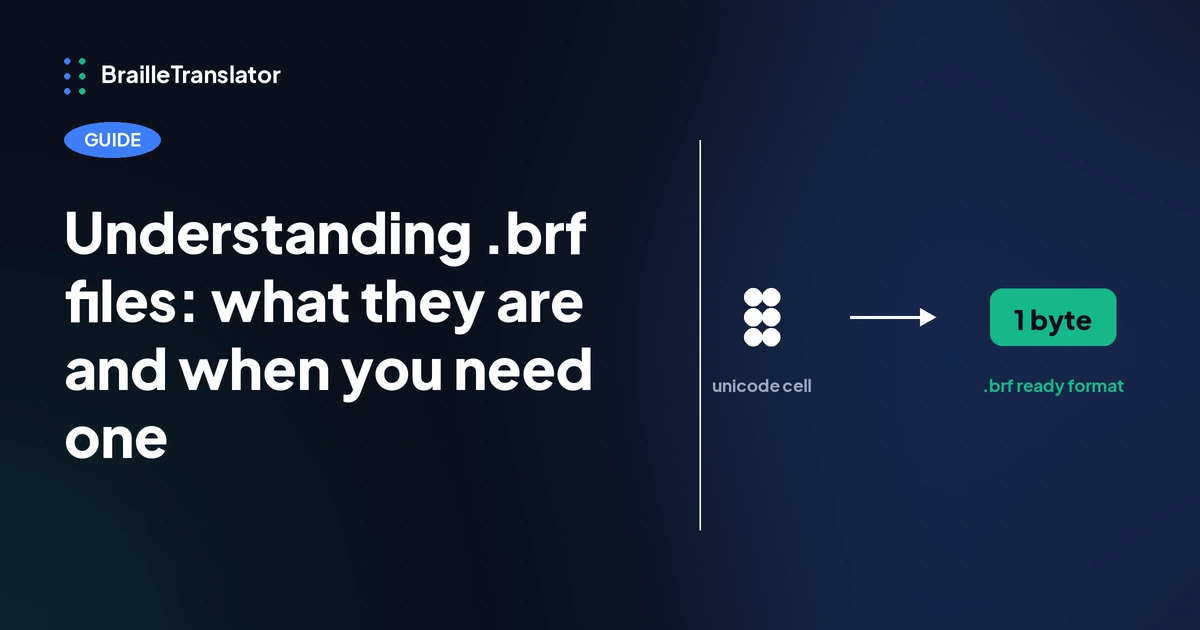
A .brf file is not a Unicode text file with braille dot characters in it. It’s built on a fixed table that maps every braille cell to a single ordinary ASCII character, the same table used across braille embossing software generally. A letter, contraction, or punctuation mark that would render as a Unicode braille dot pattern on screen gets converted into a specific ASCII letter, number, or symbol instead, one byte per cell.
On top of that character conversion, a properly formatted .brf file wraps lines at a fixed width and breaks pages at a fixed number of lines, with an explicit page break marker between pages, so an embosser knows exactly where to start a new sheet without needing to interpret formatting the way a word processor would.
This is exactly why you can’t just rename a .txt file to .brf and expect it to work. The .txt file still contains the original characters, whether that’s English text or Unicode braille dot characters. Renaming the extension doesn’t touch the actual bytes inside the file. An embosser reading that renamed file is expecting single-byte ASCII braille characters in a specific layout, and it will get neither.
This ASCII mapping has a name, it’s called Braille ASCII, and it’s worth understanding on its own. Our guide to computer braille covers exactly how it works and why a .brf file looks like scrambled text when you open it directly.
What BRF is actually for
BRF exists for two kinds of hardware: braille embossers, which print braille onto paper, and refreshable braille displays or electronic note-takers, which raise and lower physical pins to represent braille cells. Both expect input in this specific ASCII-mapped, fixed-format structure rather than a general Unicode text file, because that’s what their firmware is built to parse directly.
A Unicode braille text file looks correct on a screen that renders the dot characters, but it doesn’t carry the line-length and page-break information an embosser needs to physically produce consistent pages, and it isn’t encoded the way most embosser and note-taker firmware expects to read it.
.brf vs .txt vs copying raw Unicode braille
Our tool offers three separate ways to get your translation out, and each one serves a different purpose.
Copying raw Unicode braille
The fastest option when you’re pasting the output somewhere that already renders Unicode braille characters correctly, another document, a webpage, an app. Nothing needs converting, since you’re just moving the same characters.
Exporting as .txt
Saves those same Unicode braille characters into a downloadable file, with no embosser-specific formatting applied. Use this when you want a file to archive, attach, or paste into something later, but you don’t need it in embosser-ready format yet.
Exporting as .brf
The right choice specifically when the destination is a braille embosser or a refreshable display or note-taker. It runs the ASCII conversion, applies the fixed line and page formatting those devices expect, and produces a file that hardware can act on directly rather than one that only looks correct on a screen.
If you don’t need a file at all, printing directly from the browser is also an option worth knowing about if you just want a paper copy without going through a separate download braille file step. It’s a faster path when an embosser is directly connected and you don’t need to store or transfer the file first.
What commonly goes wrong
The most common point of confusion is opening a .brf file in a standard text editor and expecting to see braille dots. You won’t.
Since a .brf file stores braille as ASCII characters rather than Unicode dot patterns, what you’ll actually see is a page of ordinary letters, numbers, and punctuation that doesn’t read as English and doesn’t visually resemble braille either. That’s expected. The file isn’t meant to be read visually the way a .txt file is, it’s meant to be interpreted by embosser or note-taker firmware, which reads those ASCII characters and converts them back into physical braille dots on paper or on a display.
A related mistake is assuming any plain text export will work with embosser software just because it opens without an error. Some embosser software is forgiving about minor formatting differences, but the safest assumption is that a file needs to be genuinely BRF formatted, not just similarly structured, before you rely on it for embossing.
If you’ve translated your text and you’re ready to generate a properly formatted file for your own embosser or note-taker, the .brf export option on our translator handles the ASCII conversion and page formatting for you directly from your translation.
Frequently asked questions
BRF stands for braille ready format. It’s a plain text encoding of braille designed to be read directly by braille embossers and refreshable braille displays.
Yes, but it won’t look like braille or readable English. A .brf file stores braille as ASCII characters mapped to specific braille cells, so what you’ll see is a page of ordinary characters that aren’t meant to be read visually.
No. The characters inside a .txt file, whether English text or Unicode braille, aren’t the same byte-level encoding a .brf file uses. Renaming the extension doesn’t convert the underlying content, so an embosser reading a renamed file won’t produce correct output.
Not necessarily. If you’re printing directly through your browser rather than sending a file to standalone embosser software, a .brf file isn’t required. It matters most when you’re transferring a file to an embosser or note-taker as a separate step.
The .txt export saves the Unicode braille characters as a plain text file with no embosser formatting. The .brf export converts those same characters into ASCII braille and applies fixed line and page formatting so embosser and note-taker hardware can read it directly.